Installing and using KOReader
I've been reading ebooks since about 2010, and for all of that time I've used an Amazon Kindle ereader and the Kindle app on my phone. For some time, I've been trying to use Amazon less, and the hardest part of that was ebooks. I've had a Kobo ereader for a while, but it won't synchronise side-loaded ebooks whereas the Kindle does, and synchronisation is a killer feature for me. So I've been buying from a variety of sources (including Kobo and direct from authors), but reading on the Kindle.
Recently, I discovered KOReader, an app that can be installed on a variety of devices including Kobo and Kindle ereaders, Android devices, and desktop Linux. Crucially for me, it can synchronise reading location between different devices.
Android
Installing on Android was simple enough. It's in F-Droid but not in the Google Play Store. F-Droid is my preferred source, so that wasn't an issue for me. F-Droid didn't have a "This app has features you may not like" warning, but I did get a warning from Google Play Protect when I went to install it.
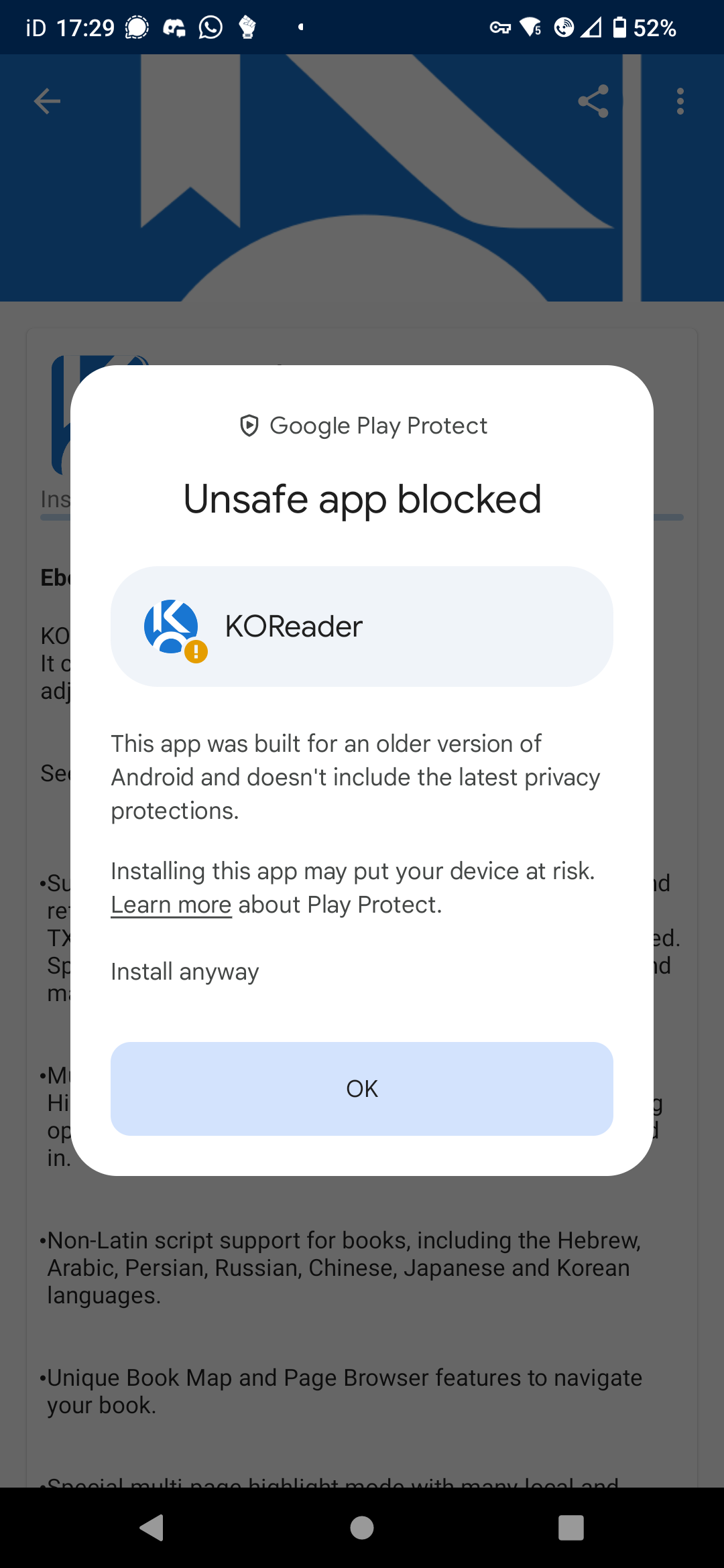
Despite that warning, Duck Duck Go's app privacy protection has not blocked any tracking attempts by KOReader, and the only permission it asked for was to access files.
Kobo
I was a bit wary about installing an app on my Kobo ereader, since there is no supported way of installing apps, but I wasn't using it for anything else, so I decided I had nothing to lose. In the event, it was straightforward and there were no issues.
Following the instructions from the Mobile Read forums, I downloaded the KOReader package (OCP-KOReader-v2025.04.zip) and the Linux install script (kfm_nix_install.zip), then extracted the install script from the zip file.
I plugged in my Kobo ereader and chose to connect it to the computer when prompted, then ran the install script. Since I only had one downloaded package, the prompt only gave me a single option. I selected that, then ejected the Kobo when the script had finished. The Kobo rebooted and completed the installation.
I then found I had an extra option at the bottom of the Kobo screen, labelled "NickelMenu". That had one option, "KOReader". Tapping that option started KOReader.
Using KOReader
I created an account on the KOReader sync server, and I use that to synchronise my place, so that if I finish reading on my phone and then pick up my Kobo ereader, I can pick up where I left off. The sync server uses a hash to identify the book, so no information is shared with the server, but if you prefer, you can [host your own sync server](https://github.com/koreader/koreader-sync-server).
On the Kobo, I don't tend to leave KOReader. When I'm finished reading, I just press the power button to put it to sleep. I've configured KOReader to display the current book's cover when in sleep mode, with the battery power as a percentage at the bottom of the screen.
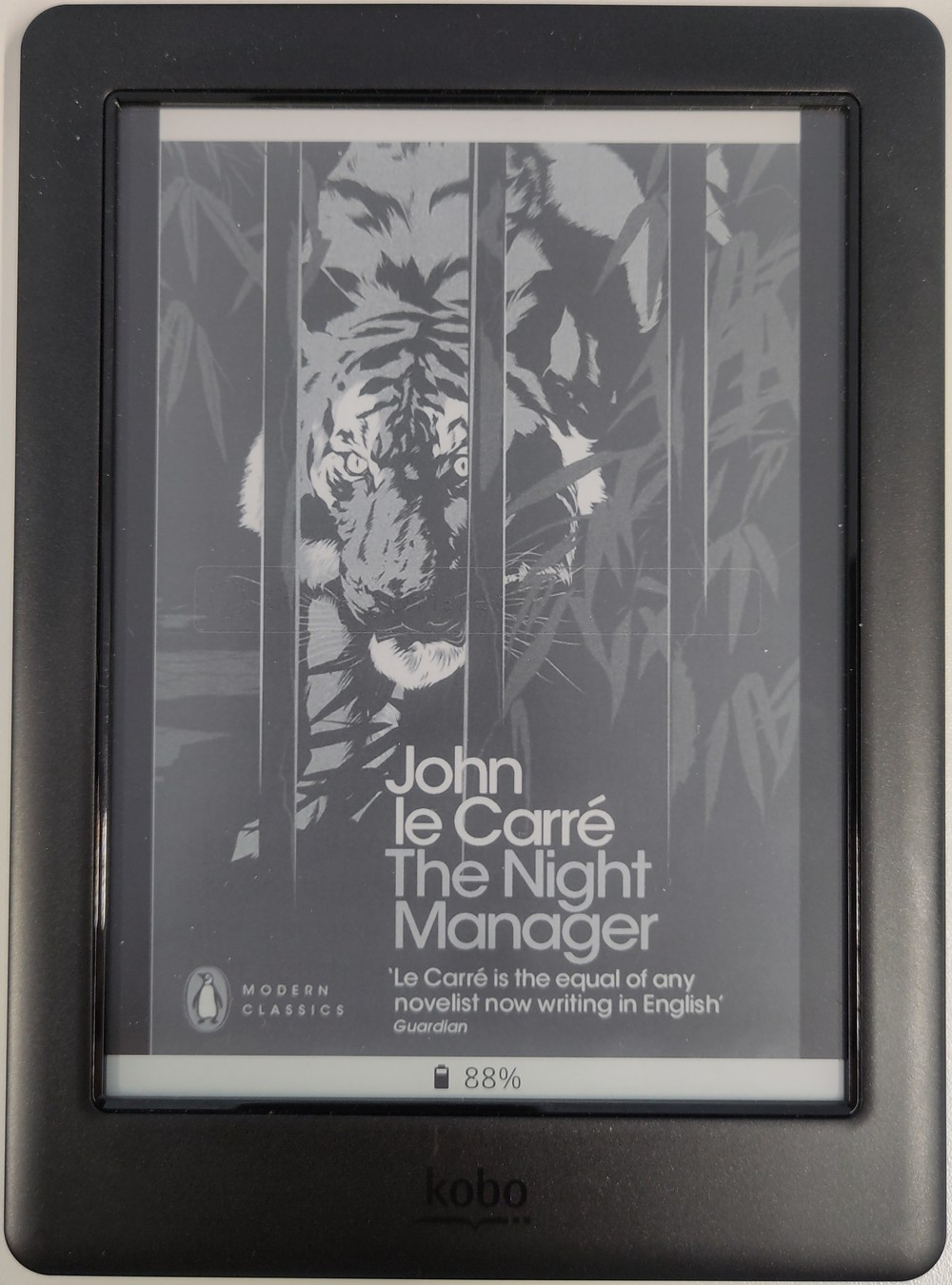
I like having the current book's cover on the screen, and having the battery level means that I can tell at a glance whether or not I should recharge it.
I use Calibre to manage my ebooks, and use COPS to make them available via the web. COPS is also an OPDS server, so I use OPDS to get books onto KOReader. According to the user manual, it is possible to send books from Calibre to KOReader via wireless, but I haven't tried that, since the OPDS functionality works well for me.
Overall, I'm liking KOReader, and I'm pleased that I'm able to avoid using Amazon when reading ebooks.
Update
Since I started using KOReader, they've released an update. I installed that update on my Kobo by using the Update option in the top menu. It installed the update over wifi without any issues.